Expand/Collapse Rows using the toggle buttoon
You can expand or collapse rows one by one.
Use Expand all or Collapse all to open or close every row at once.
Note: Your expanded rows are remembered, even after a browser refresh or when you visit the board again.
Expand/Collapse Rows using a double click
Click the control next to the row, or double-click the cells beside the row to toggle it.
Attachments:
Expand Collapse state kept on page reload.gif (image/gif)
Expand Collapse All.gif (image/gif)
STB-116 Double Click to Expand and Collapse Row.mp4 (video/mp4)
Collapse and Expand Board.mp4 (video/mp4)
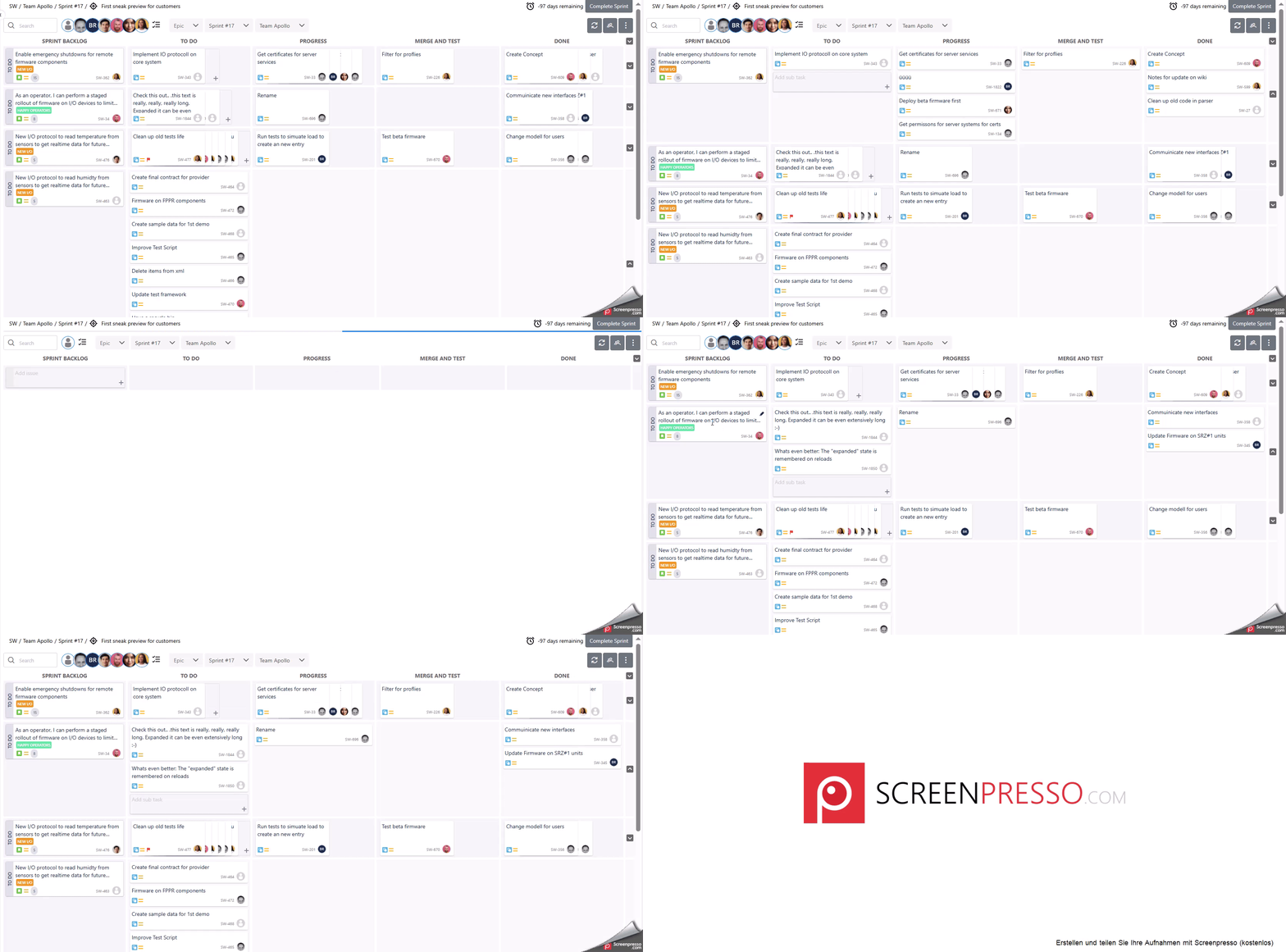
Expand Collapse All.gif (image/gif)
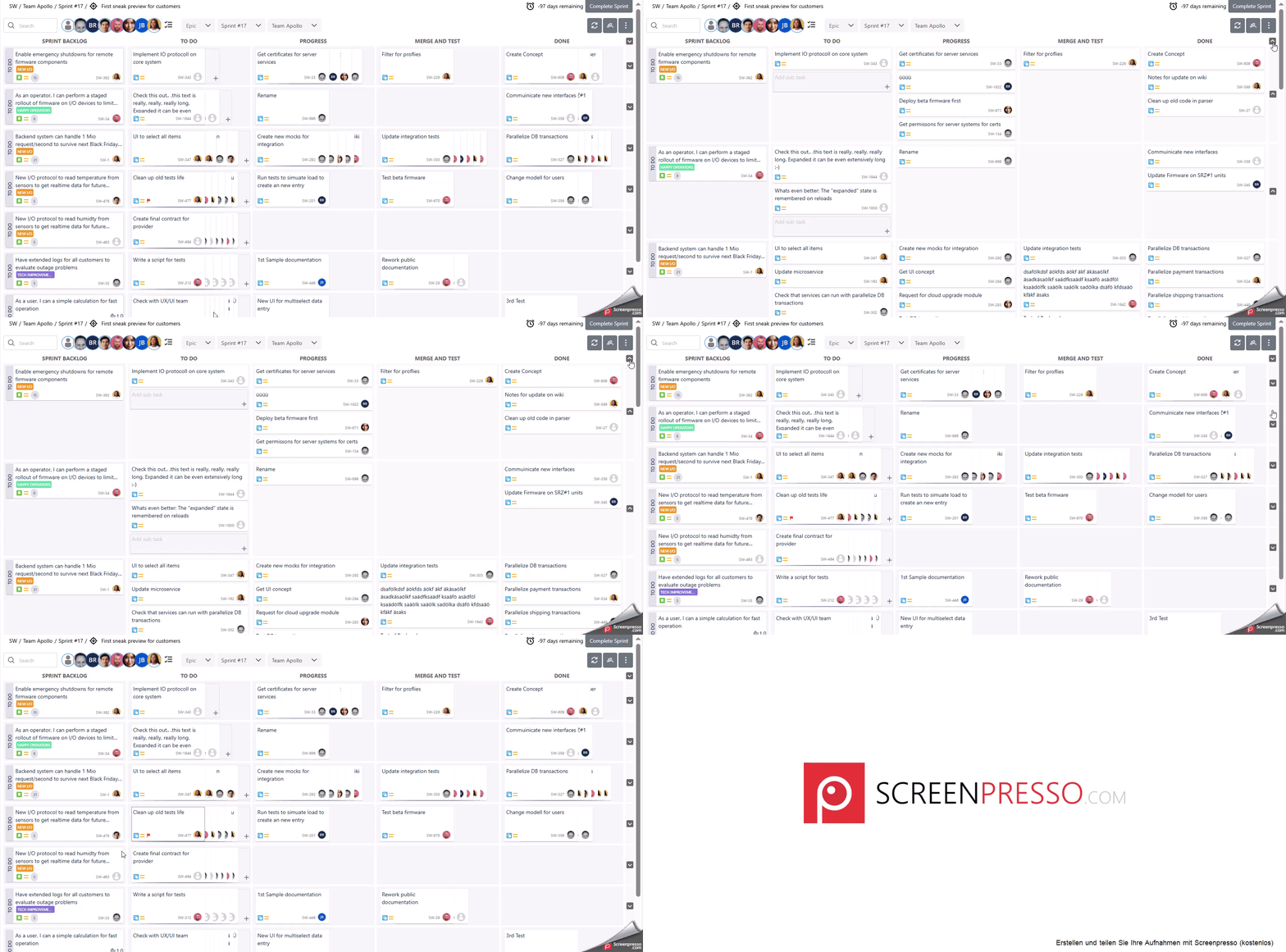
STB-116 Double Click to Expand and Collapse Row.mp4 (video/mp4)
Collapse and Expand Board.mp4 (video/mp4)